




Lili Screen
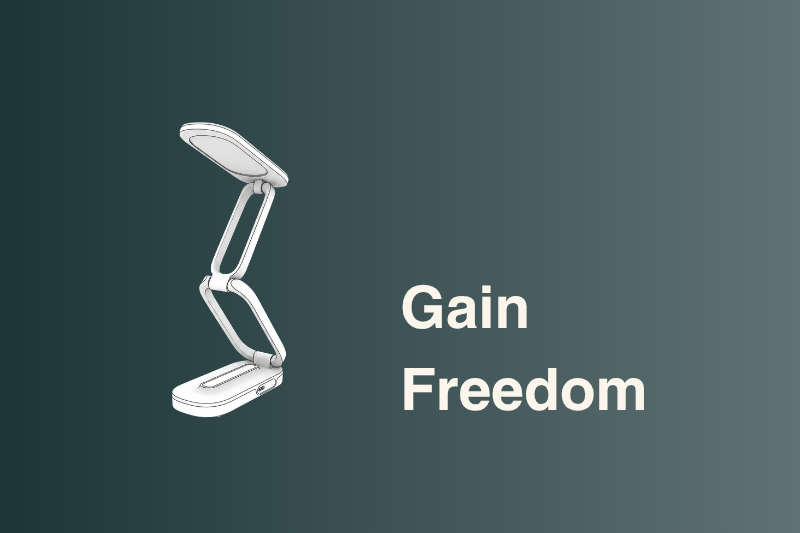
The portable reading lamp that helps dyslexic readers read with more comfort and comprehension.
Lili's pulsed light stabilizes letters so reading feels smoother, at home, at school or at work.
- Immediate comfort, lasting results over time.
- Clinically tested, 100% of study subjects responded positively*
- Made in France
- 45-day risk-free trial
- Free Shipping (EU only)



Practical and Adapted to your Work Environment
The Dyslexic Reading Aid Companion you Need.
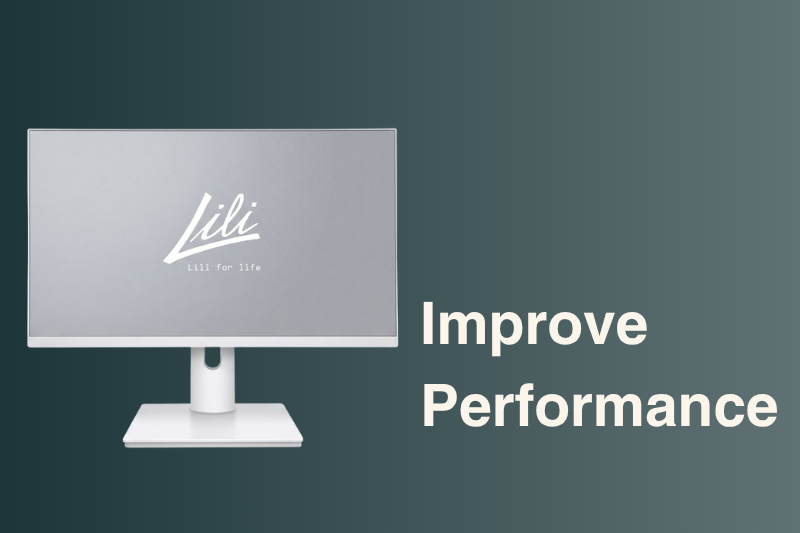
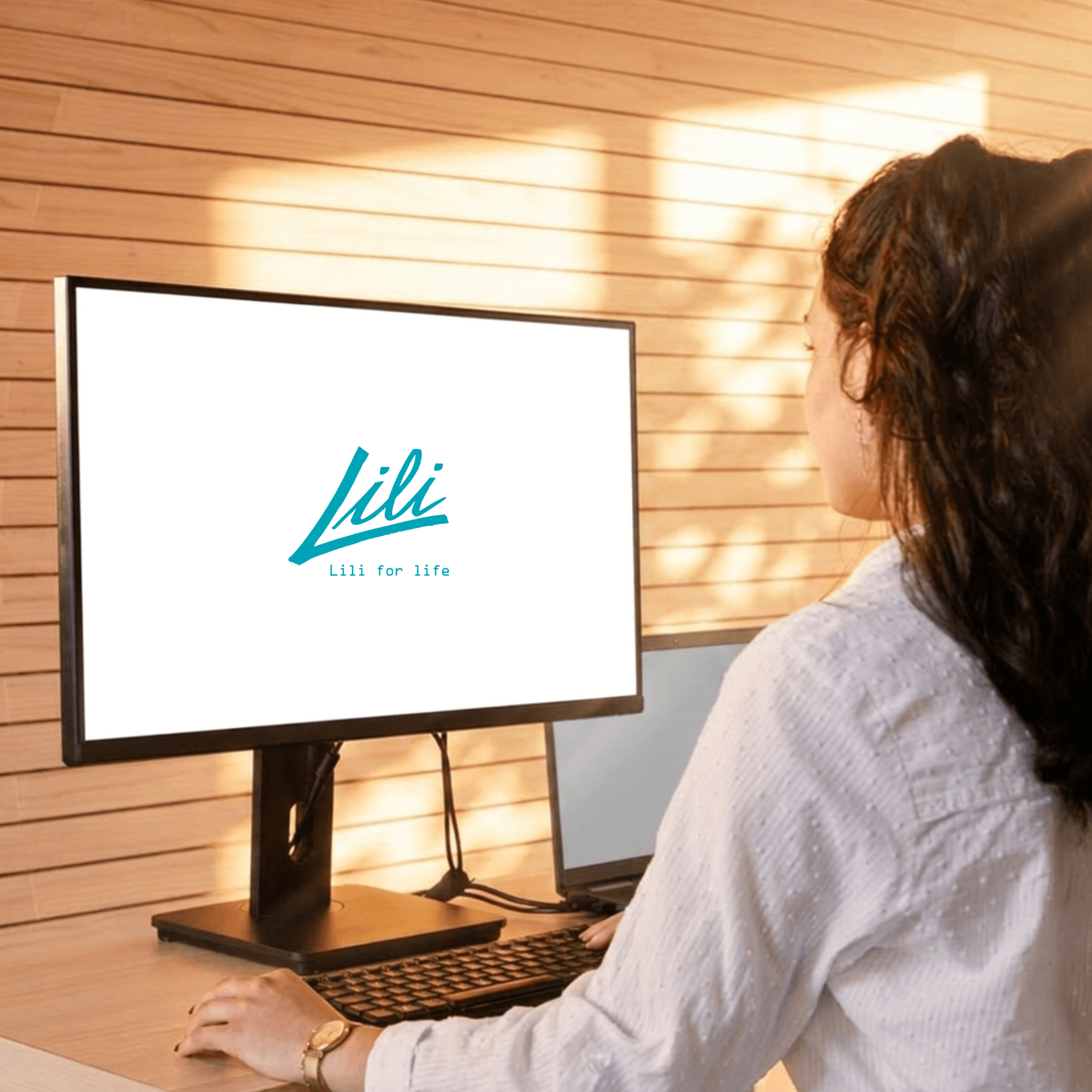
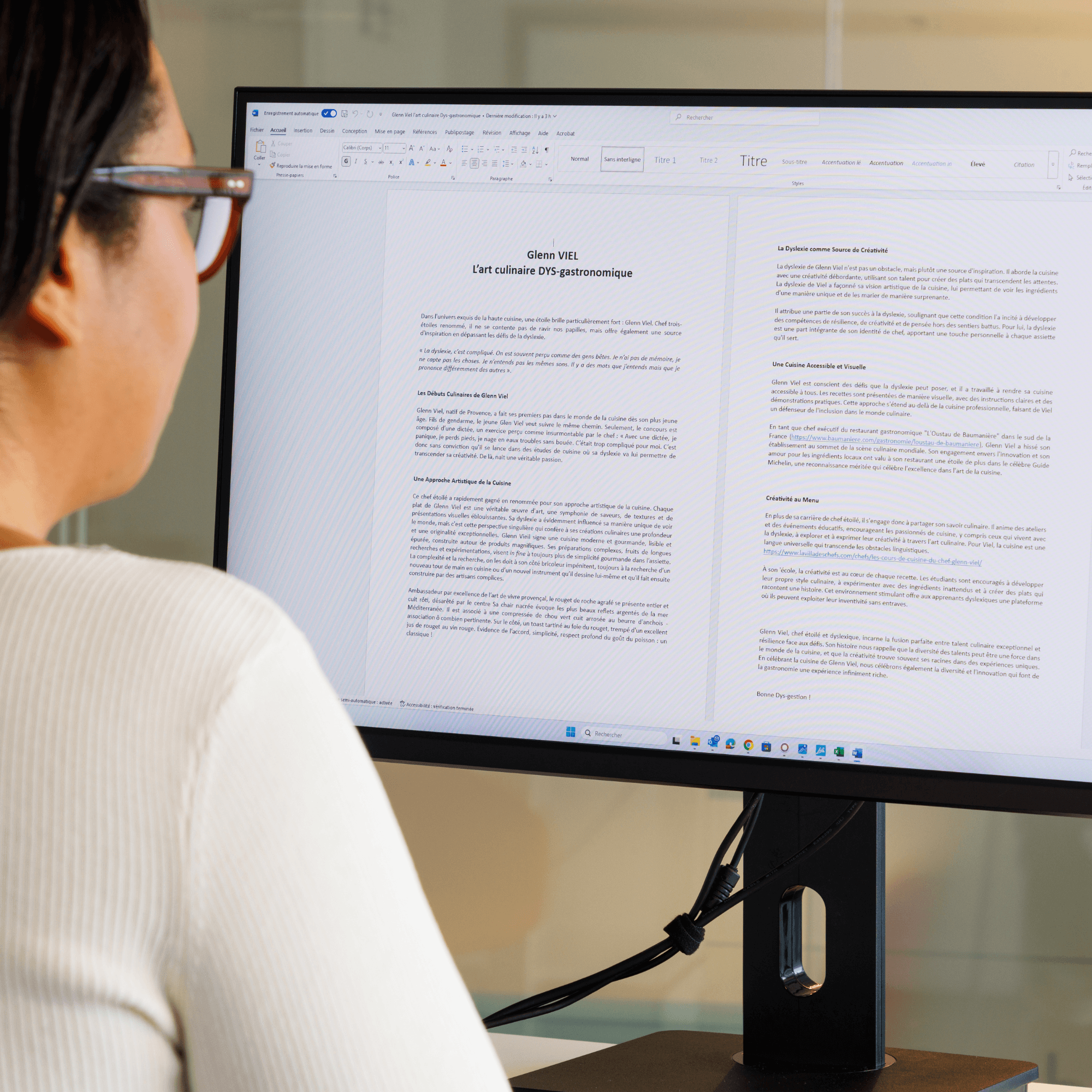
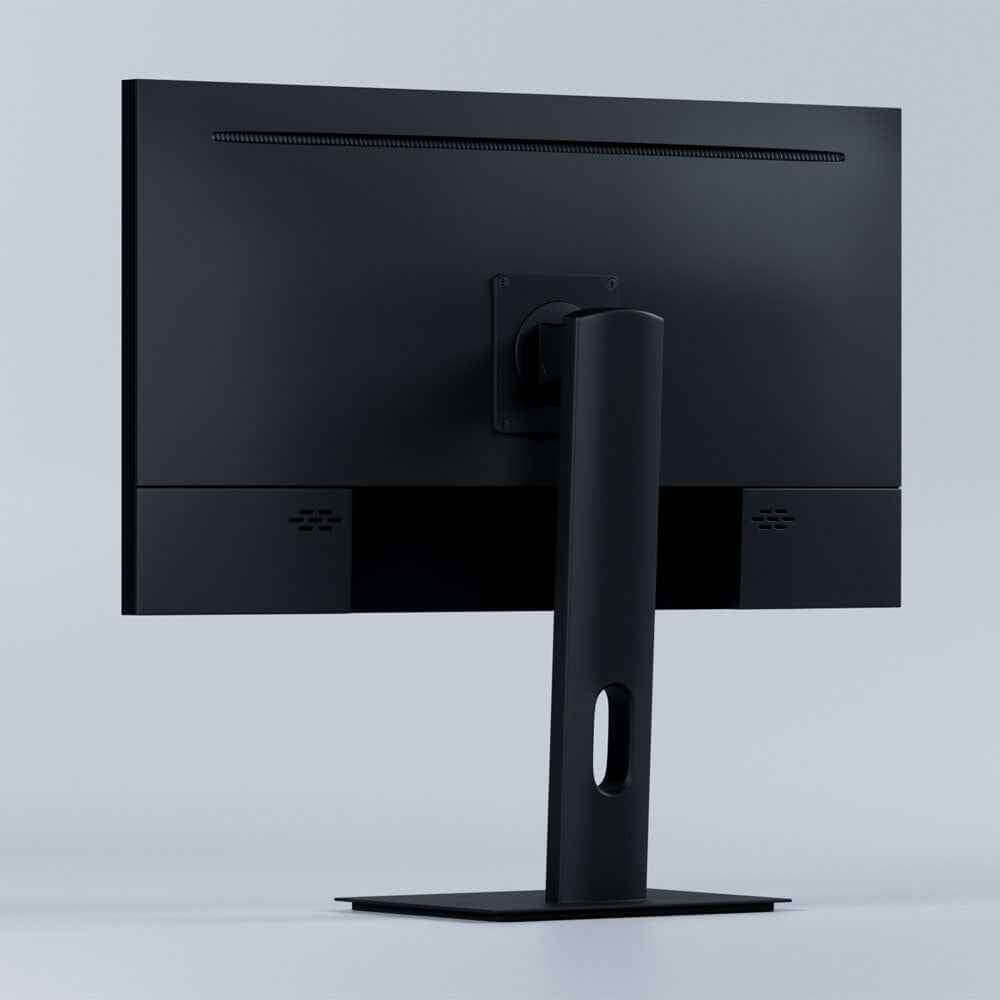
Lili Screen brings real gains in reading and comprehension, at home, at university or at work. Its pulsed light, ergonomic design and plug-and-play setup make it a daily companion for focused, comfortable reading.
27” (60 cm)
Screen Type
2560 × 1440 (2K)
75 Hz
IPSO
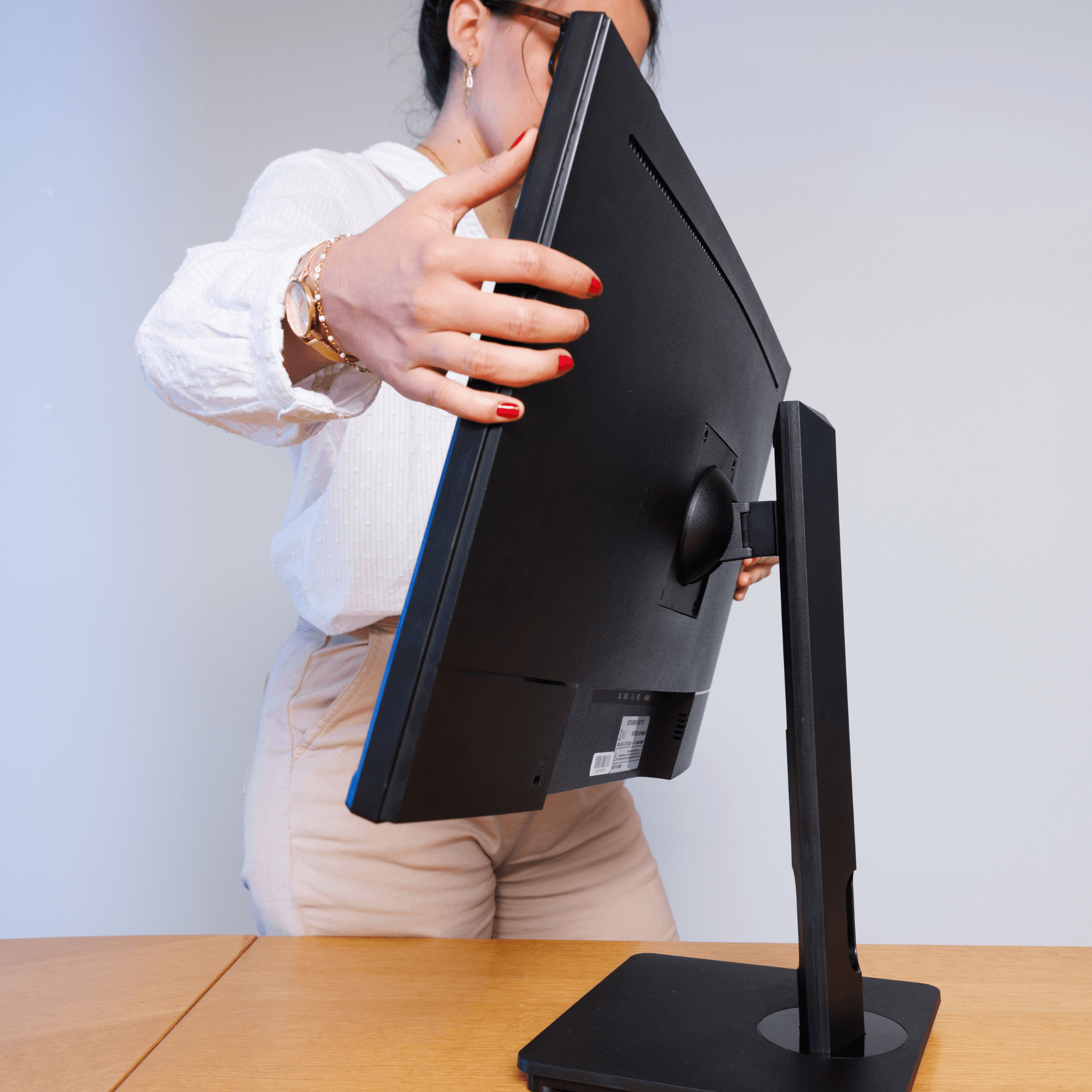
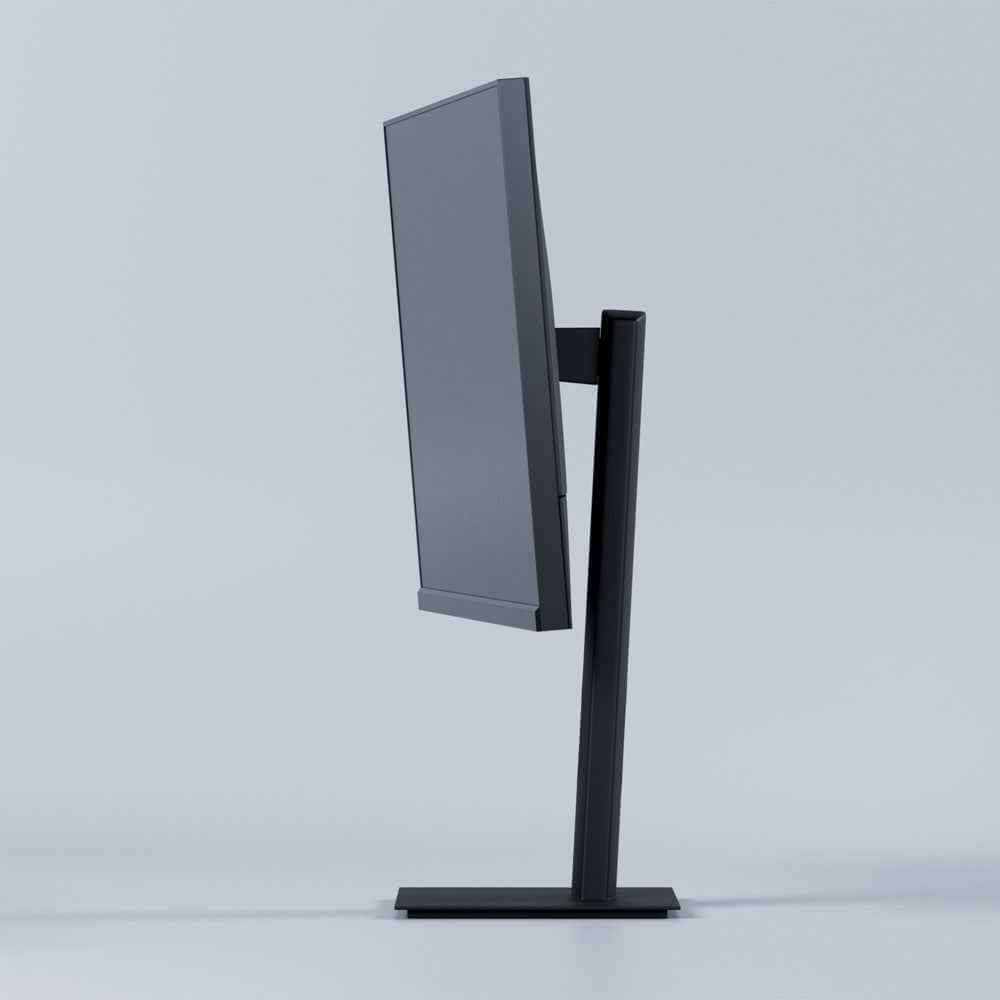
Adjustable stand
Tilt and VESA
LILI Inside
Goodbye End-of-Day Exhaustion
Lili Screen stabilizes what you read on screen, so you process text faster and reach the end of the day with energy to spare.
Long documents, dense emails, data streams: all easier on the eyes, without the late-afternoon fatigue.
Reading Comfort, Backed by Science
Dyslexia is a spectrum, and every child experiences it differently. In our clinical study, every participant improved on at least one measure of their reading.
-33%
Fewer Reading Errors
Even fluent dyslexic readers can misread the order of letters. With Lili, these structural positioning errors drop by a third, delivering a cleaner and more reliable reading experience.
100%$
Participants Who Improved
Every reader in the study improved on at least one reading measure with Lili.
-21%
Time to Read Common Words
When tuned to reader, Lili helps decode everyday words faster, with less effort.
*Results from clinical studies with the CNRS and Robert Debré University Hospital. Results being prepared for peer-reviewed publication, expected 2026. Individual results may vary.
Set Up in Minutes
Plug in, personalize, read. Your screen adapts to your eyes, not the other way around.
Step 1
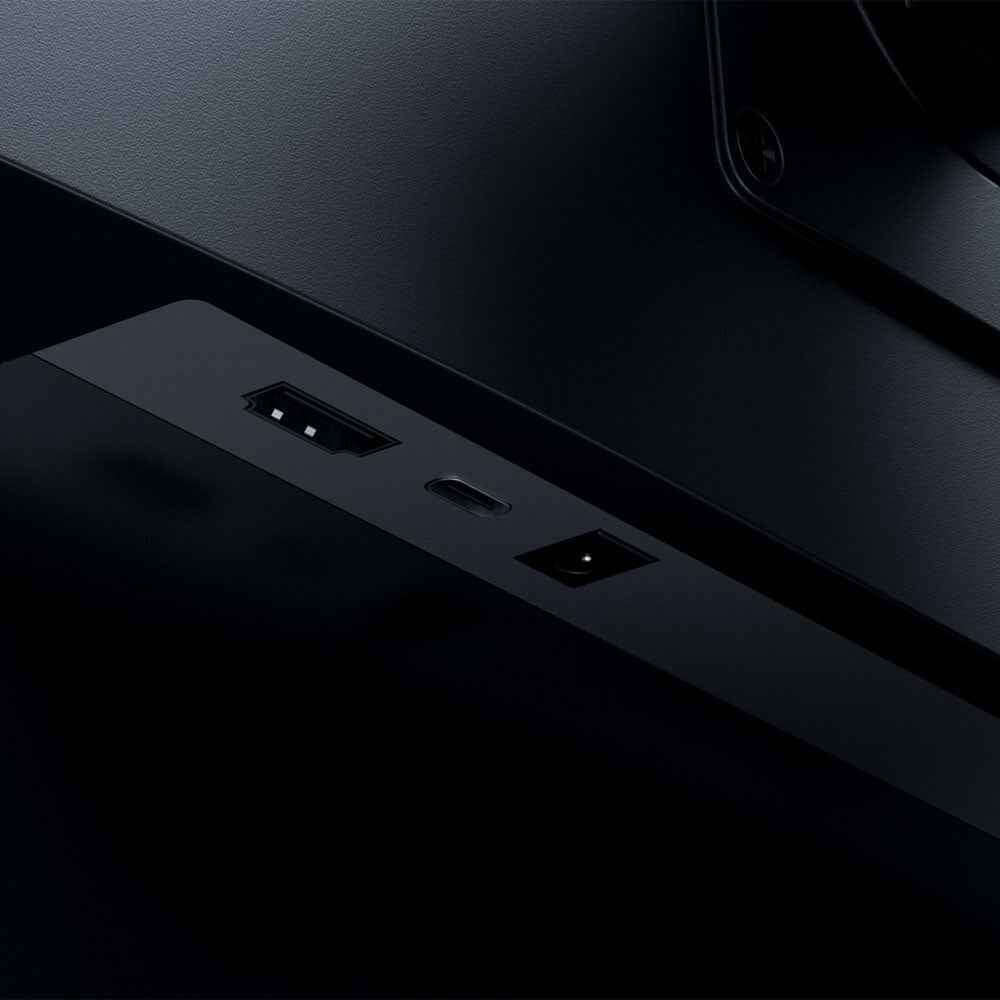
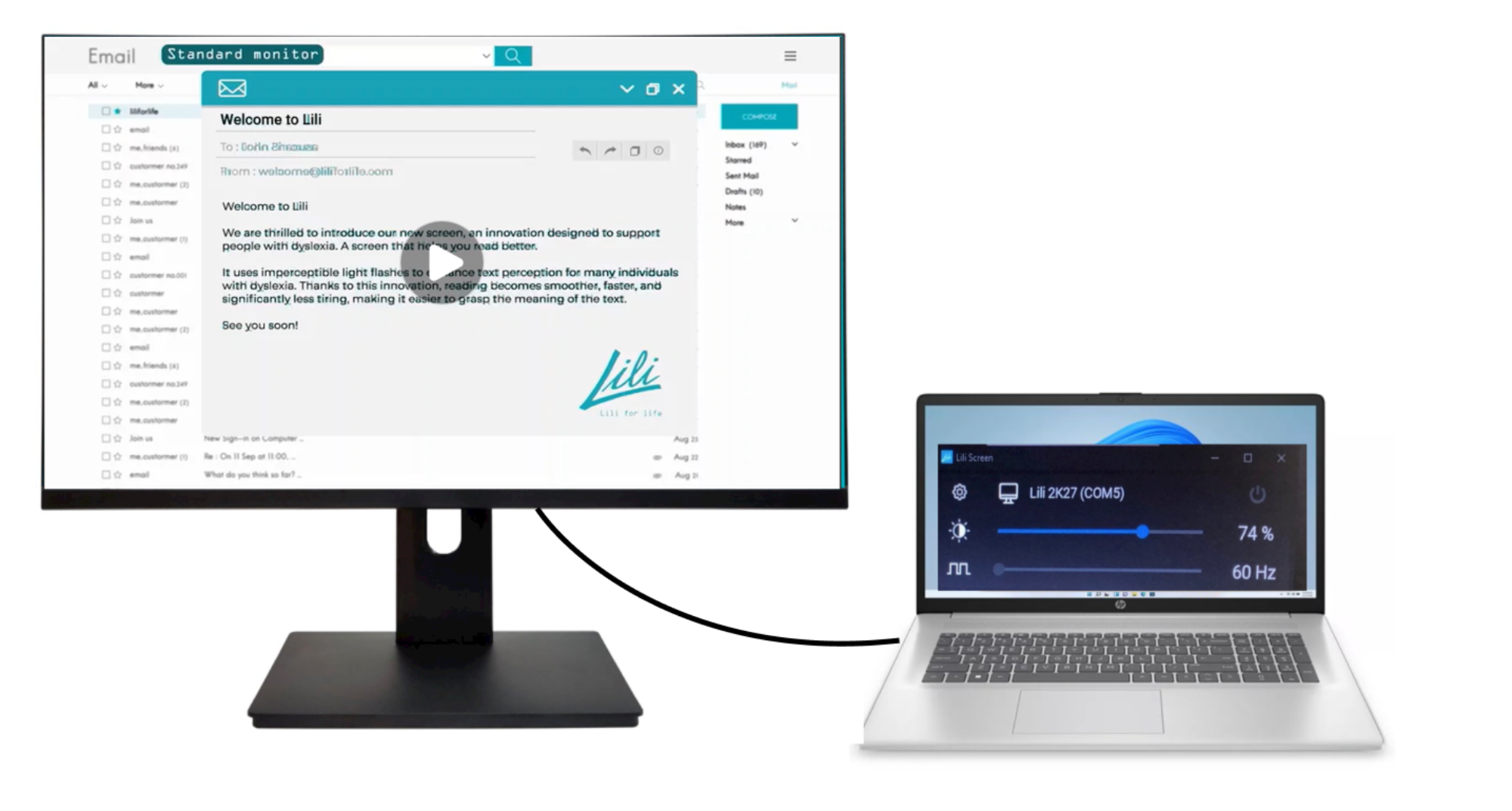
Attach the stand, connect the screen to your computer with the supplied HDMI and USB-C cables, and plug in the power. The USB-C cable is what switches on Lili mode.
Step 2
Download the free Lili app for PC or Mac at liliforlife.com/start. It walks you through the rest, step by step.
Step 3
This is where it clicks. In about two minutes, use the arrow keys to tune the screen until the text settles and feels clear. That setting is yours. Adjust brightness to taste.
What to Expect
Read, and Give It a Few Days
Comfort is immediate for many. For everyone, the effect builds over the first days as your eyes settle in. Toggle Lili off for a second to feel the difference, then read on.
Life Changing Experience

Marcus W.
Navigating a data-heavy career.
As a software engineer, analyzing lines of dense code all day requires intense visual focus that used to cause severe end-of-day cognitive exhaustion. Switching to the Lili Screen has significantly balanced my energy levels, allowing me to process technical data without the text overlapping.

Kimberly P.
Supporting neuro-inclusion in practice.
We brought these specialized screens into our corporate pilot program to provide actual, practical support for our neurodivergent workforce. The feedback from our equipped staff was immediate, showing a measurable drop in visual fatigue and a massive boost in team confidence.

Amanda R.
Managing long reports with ease.
Working as a financial analyst means parsing lengthy spreadsheets and corporate disclosures where an overlooked detail can be costly. This display stabilizes the numbers and text on my screen, drastically improving my reading speed and reducing my daily errors.